

Can You Add Custom Names & Numbers to Blank Pro Jerseys?
September 7, 2026
Setting up an online team store for custom youth sports jerseys removes the biggest friction points in youth athletics: paper order forms, back-and-forth size emails, and piles of unsold spirit wear. The process is simpler than most volunteer organizers expect when they follow a clear sequence.
We’ve seen how a well-structured store shifts the burden from team managers to a centralized ordering hub. In this guide, we walk through the decisions and setup steps that lead to a store families actually use.
What Is an Online Team Store for Youth Sports?
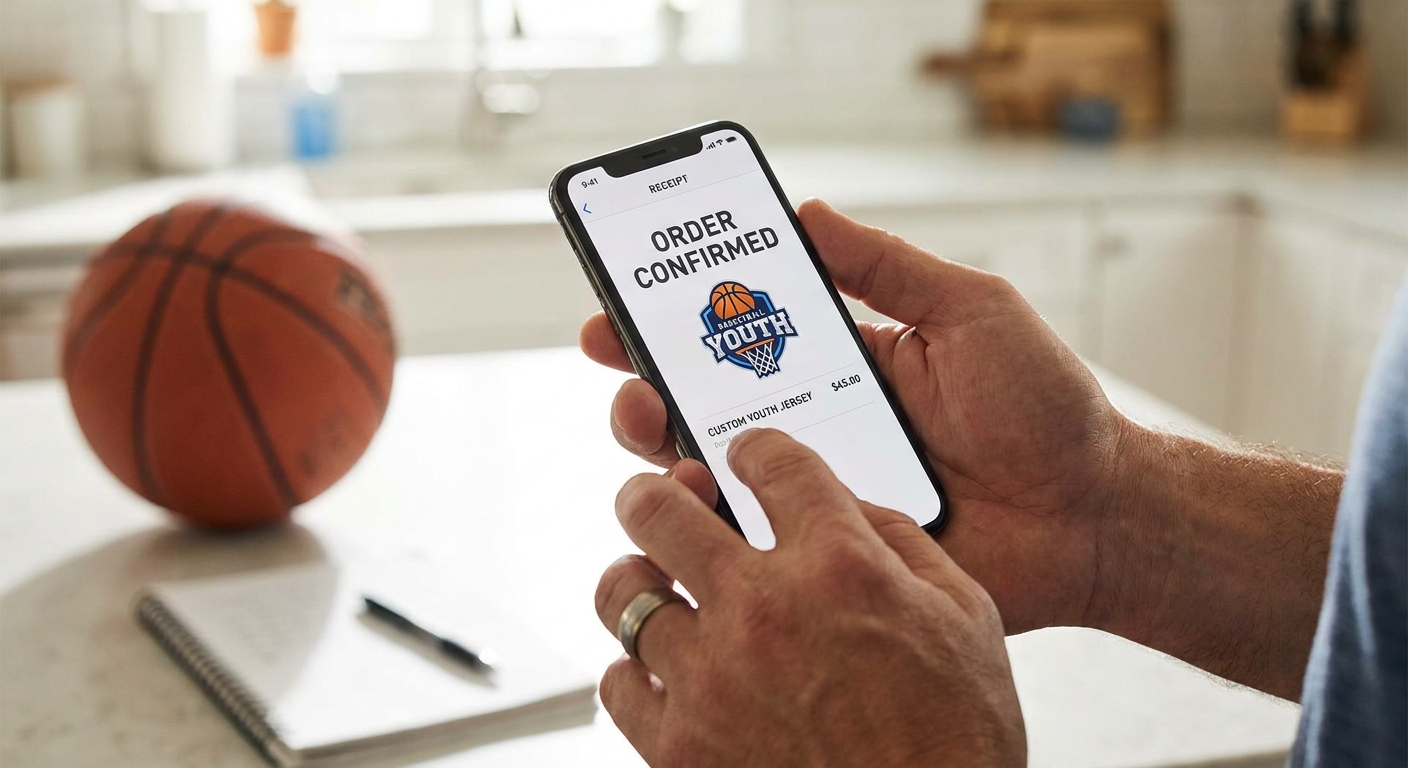
An online team store is a centralized, web-based ordering hub where families and players purchase custom jerseys, spirit wear, and team gear on their own schedule. Instead of submitting paper forms or emailing sizes, each buyer selects their items, enters personalization details like name and number, and pays online. Orders then flow directly to a production queue.
The store acts as a single source of truth for team apparel. Organizers set the product lineup and customization rules once; the platform handles order collection, payment, and often shipping. This reduces duplicate orders, lost checks, and the Saturday morning sorting sessions that come with traditional bulk order methods.

Key Benefits of an Online Team Store
The move to an online store changes how volunteers spend their time and how families experience the ordering process. Instead of chasing individual orders, organizers can focus on coaching, scheduling, and team development.
Convenience for Families
Parents can order from any device at any time—while waiting in the carpool line, during a lunch break, or after practice. They see exactly what is available, select the correct sizes, and complete payment without needing to coordinate with a team manager. Clear product photos and size charts reduce the guesswork that leads to returns or exchanges.
Efficiency for Organizers
A store eliminates the paper trail. There is no spreadsheet to reconcile, no cash to collect at the field, and no last-minute scramble when someone forgets to turn in a form. Organizers set up the store once, share a link, and let the platform collect orders, payments, and shipping addresses automatically.
Streamlined Order Management
Every order is captured in one place with the buyer’s selections, customization details, and payment status. This gives organizers a real-time view of who ordered what, making it easy to spot missing sizes or incomplete orders before production begins.
Choosing the Right Store Type
Not every program needs the same level of control. The best store type matches the organizer’s available time and the team’s goals for customization and fundraising. We typically walk through three models with youth sports organizers.
Vendor-Managed Stores
In a vendor-managed store, a third-party partner handles production, shipping, and often customer service. You choose products and upload the team logo; the vendor builds the storefront and fulfills each order as it comes in. This is the lowest-effort option because there is no inventory to store and no boxes to hand out at practice. It works well for teams that want year-round access with minimal administration.
Add-On During Registration
If the team only needs a few items—such as jerseys, warm-up tops, or a fundraiser tee—adding them to the registration checkout flow is the simplest route. Parents are already completing payment for fees, so adding an optional gear item is a natural next step. Once registration closes, organizers know exactly how many items to order, and there is no leftover inventory.
Full Ecommerce Stores
A full ecommerce store gives the most control over branding, product selection, and the shopping experience. Organizers who want to offer unique items beyond a standard catalog—like custom-branded headwear or team-specific accessories—often choose this model. It requires more setup time but is a good fit for larger clubs or schools that will use the store year-round.
Step-by-Step Setup Process
A clear sequence prevents the setup from dragging on. We recommend working through these four steps in order, even if some parts feel quick.
Step 1: Define Your Requirements
Before choosing a platform, write down what the store must include. List the sports, the required uniform pieces, the range of youth sizes, and any personalization options like names, numbers, or captain patches. Also note whether the store should stay open all year or close after a set window, and whether you need shipping to individual homes or a single bulk delivery.
Step 2: Select a Platform
Choose a store type that matches your requirements. If you need hands-off fulfillment, a vendor-managed or print-on-demand store is the best fit. If you want full control over branding and can manage customer service, a full ecommerce platform may work. We help teams evaluate these options by asking how many hours per week they can realistically spend on store administration after launch.
Step 3: Design Your Store
Upload the team logo and select colors that match the program’s existing identity. Organize products into logical categories, such as Jerseys, Practice Wear, and Fan Gear. Write clear product titles and descriptions that include fit notes, fabric details, and sizing guidance. Preview every screen on a phone before launch.
Step 4: Launch and Promote
Share the store link through the channels families already use: registration emails, team chat apps, and social media. Send a short announcement that explains what is available, the ordering deadline if there is one, and how shipping works. A clear launch message increases first-week orders and reduces questions.

Designing Custom Jerseys and Apparel
The visual appeal of the store depends on the designs you load into it. Start with the team’s existing brand assets and keep customization options simple enough for parents to complete quickly.
Logo and Branding
Use a high-resolution version of the team logo. If the logo has multiple colors, consider a simplified version for smaller print areas on sleeves or hats. Consistency across all products builds team identity and makes the store look professional.
Color and Style Options
Limit the initial color palette to the team’s primary and secondary colors. Offering too many color combinations can overwhelm buyers and slow down decisions. Within each product, allow parents to choose from a few pre-approved style variants rather than an open-ended design tool.
Adding Names and Numbers
For jerseys, require the player’s last name and number at checkout if personalization is included. Use a clear input field and show a preview of the name and number placement so buyers can confirm spelling before paying. If the team uses specific number assignments, share that list in the product description to avoid conflicts.

Since 1974, we have focused on efficient, sustainable production—reusing materials, mixing only the ink each order needs, and checking every garment before it ships.
Managing Orders and Fulfillment
Once the store is live, the order flow should require as little manual intervention as possible. In most store models, each order moves through the same stages: purchase, production, quality check, and shipping.
How Orders Are Processed
When a parent checks out, the store system captures the order details, including the chosen garment, size, and any personalization. The order is then routed to the production queue. Depending on the store type, this may be handled by the platform or by the team’s apparel partner.
Production and Quality Control
Before an item ships, it should pass a visual check for print alignment, thread quality, and correct name and number spelling. We review every order against the original submission before boxing, catching issues like a missing digit or a smudged print before it reaches a young athlete.
Shipping Directly to Customers
With direct-to-customer shipping, there is no distribution day at the field. Each order is packed individually and sent to the address the buyer entered at checkout. Parents receive tracking information automatically, and organizers never have to handle or store boxes of uniforms.
Ensuring a Mobile-Optimized Shopping Experience
Most youth sports parents will open the store link on a phone. If the store is hard to browse on a small screen, they will abandon the order and ask the team manager to handle it manually.
Why Mobile Matters
Mobile orders now make up more than half of youth sports team store purchases. A store that loads quickly, shows product images clearly, and keeps the checkout form short will convert more parents. Large tap targets for size selection and a single-page checkout reduce errors and abandoned carts.
Testing on Different Devices
Before launch, we test the store on several devices—an older iPhone, a mid-range Android, and a desktop browser. We walk through the full process from finding a product to entering a name and number to completing payment. Any step that requires pinching, zooming, or excessive scrolling gets simplified before the store goes live.
Keeping Your Store Open Year-Round
An always-open store captures orders that would otherwise be lost between seasons. Families can order replacement jerseys after a growth spurt, buy holiday gifts, or pick up spirit wear before a tournament—without waiting for a new order window.
Benefits of 24/7 Access
Year-round access means parents never have to time their purchase to a two-week deadline. It also turns the store into a passive fundraising channel, since every order—whether a new uniform or an extra hoodie—can contribute to the team.
Handling Off-Season Orders
Off-season orders often include smaller quantities or unusual size requests. A print-on-demand or vendor-managed model handles these without minimum order penalties. The key is to keep the store catalog current: remove outdated items and add fresh styles as the new season approaches.

Streamlining Payments and Tracking
Online stores centralize money and order tracking, removing the need for checks, cash, or manual ledgers.
Secure Online Payments
The store’s payment processor handles credit cards, debit cards, and sometimes digital wallets. Parents see a clear total before submitting payment, and organizers do not touch any card details. This separation reduces risk and makes bookkeeping easier.
Tracking Orders and Payments
Every transaction appears in the store dashboard with the buyer’s name, items purchased, and payment status. Organizers can filter by product or by order date to see what has been paid and what is still pending. This transparency supports quick follow-up and accurate financial reporting for the team.
Integrating Fundraising into Your Store
A team store can do more than sell uniforms—it can generate funds for travel, equipment, or scholarships while families buy items they already need.
Setting Up Markups or Rebates
Many store platforms allow organizers to add a flat amount or a percentage to each item. That markup becomes the team’s fundraising profit. For example, a small amount added to a hoodie or bag can add up quickly across dozens of orders. The key is to keep the added amount modest so families still feel they are getting value.
Promoting Fundraising to Families
Tell families exactly what the store supports. A short note on the store homepage—such as ‘Every purchase helps fund tournament fees and new equipment’—makes the fundraising purpose clear. When buyers understand where the money goes, they are more likely to add an extra item to their cart.
Leveraging Reporting and Analytics
Store data shows what families actually buy, which sizes run out first, and which products sit untouched. Use these insights to refine the catalog each season.
Sales Reports and Insights
A good store dashboard includes a sales report that breaks down orders by product, size, and date. We review these reports after each season to see which jersey styles sold best and which accessories underperformed. That data drives the next season’s product lineup.
Adjusting Offerings Based on Data
If a particular hoodie color consistently sells out, make it a permanent item. If a hat style rarely gets ordered, replace it with something families have requested. Data-driven adjustments keep the store lean and aligned with actual demand, reducing wasted production time.
Getting Customer Service and Support
Parents will have questions about sizing, shipping, or order status. A responsive support channel prevents those questions from landing in the volunteer organizer’s inbox.
Handling Inquiries
In a vendor-managed store, the vendor typically answers customer questions directly. In a full ecommerce setup, the organizer or a dedicated support team handles inquiries. We recommend setting up a simple email alias or help form so all questions go to one place, not to individual coaches’ personal emails.
Managed Support Options
If the team chooses a managed store service, customer service can include answering sizing questions, updating orders, and resending tracking links. This frees volunteers from repetitive one-off emails. Even without managed support, a short FAQ page on the store can answer common questions about fit, shipping timelines, and personalization rules.
Start Simplifying Your Team’s Jersey Orders Today
The shift from paper forms to an online team store is one of the highest-impact changes a youth sports program can make. Families get a convenient buying experience, organizers reclaim their weekends, and the team gains a tool that works year-round.
Set your requirements, choose a store model that matches your time, and design a mobile-friendly catalog that reflects your team’s identity. Launch the link, share it widely, and let the system handle the rest. If you are ready to move your custom youth sports jersey orders online, we can help you build a store that fits your program’s workflow.